Payloader Settings
Step 1: Access the Desktop
On your PAX device, long-press the Home button to bring up the password prompt. Enter the desktop password:
pax9876@@
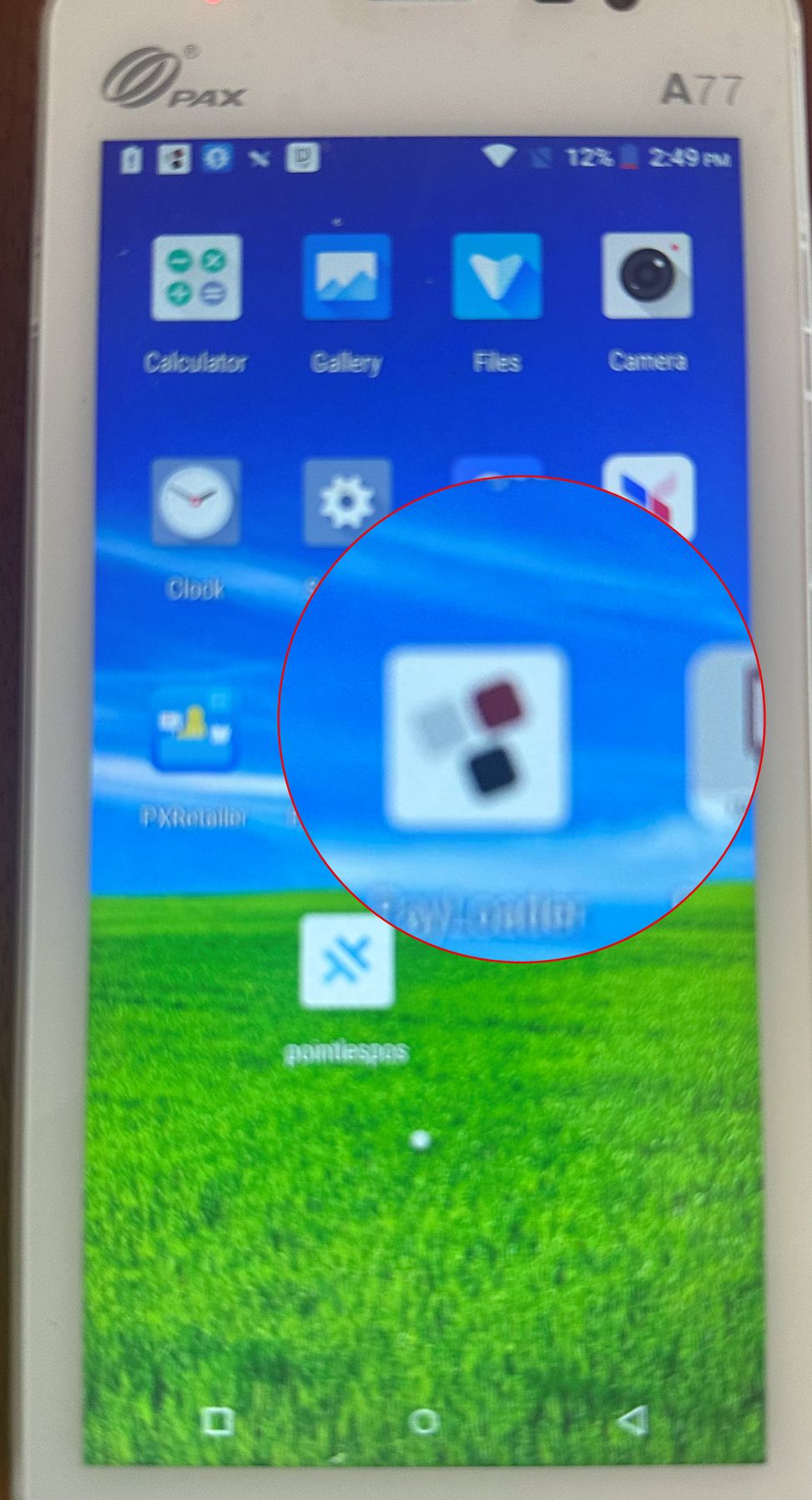
Once on the desktop, tap the Payloader icon to launch the application.
Step 2: Navigate to Settings
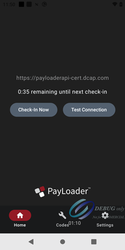
Inside Payloader, navigate to the Settings option.
Step 3: Enter Your Link Code
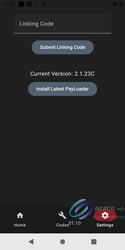
In the settings screen, locate the field for the link code. Enter the code that was provided to you via email, then save.
Your PAX device is now configured and ready to use Payloader.