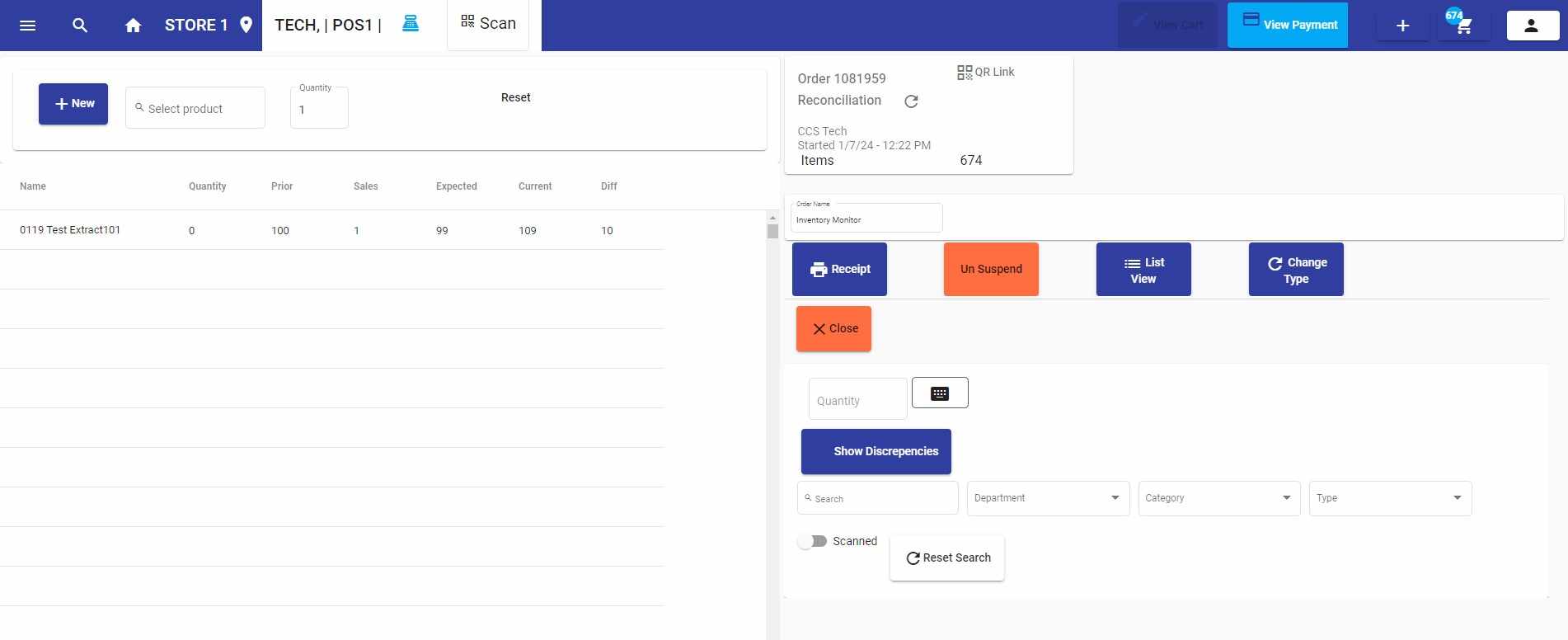
Inventory Monitoring
What It's For
You would create this transaction under Catalog → More → Inventory Monitor.
It keeps an up-to-date calculation of your inventory between reconciliations. You will always know if there are discrepancies in your inventory, in real-time.
How It Works
It's as simple as starting the transaction, and opening the transaction whenever you want to see what the status is to see if there are discrepancies.
The transaction sits in the suspended orders. You may go to the Orders, then Search, and select Suspended Orders.